Settings
Cashier Mode
A big-button, high-contrast screen for the counter.
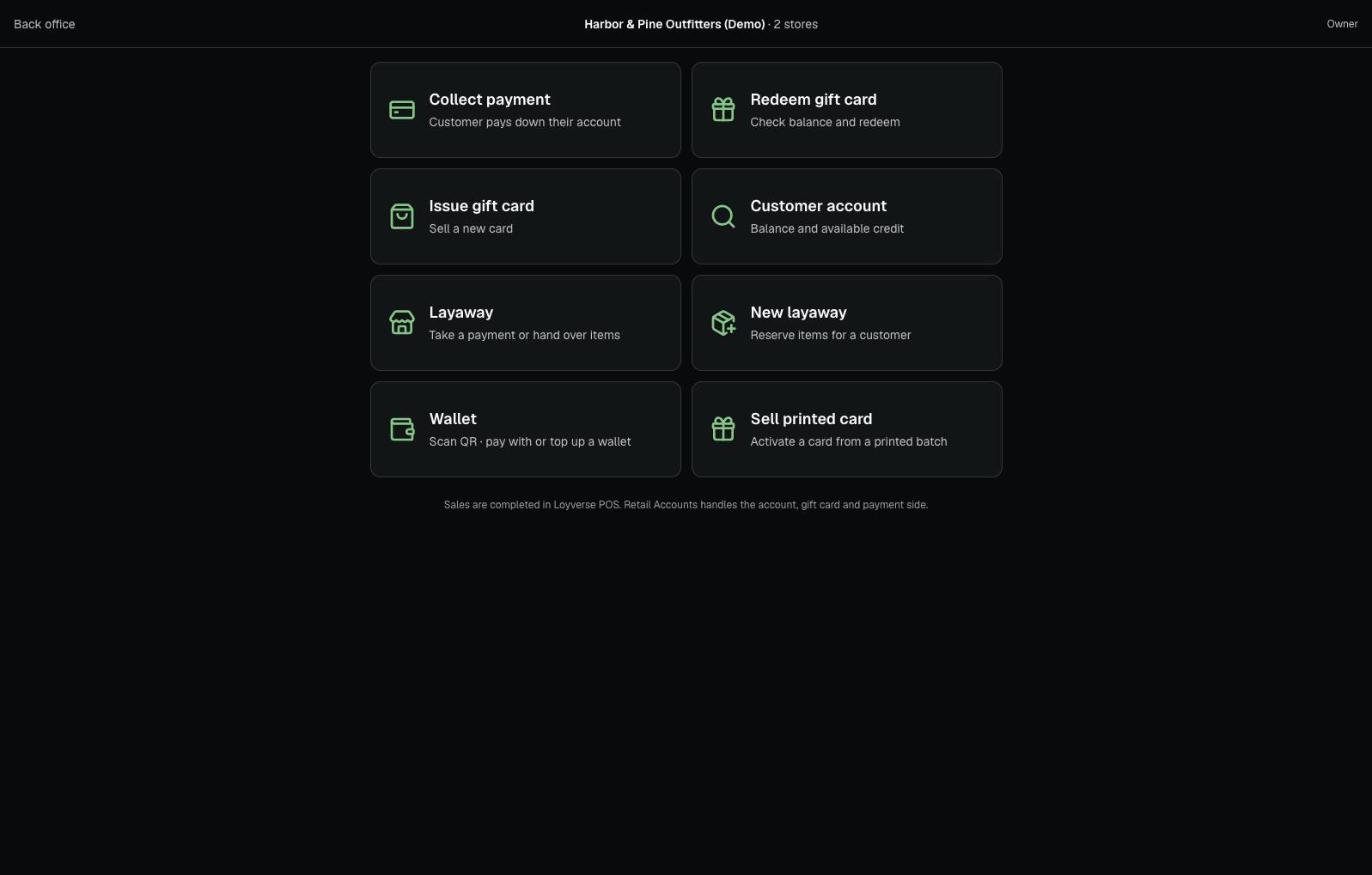
- 1Collect payment from a customer at the counter.
- 2Layaway payments and new layaways.
- 3Wallet — scan a customer's QR to pay with or top up a wallet.
- 4Back to the back office.
Use the Customer account tile to check a customer's balance and available credit before ringing up a credit sale in Loyverse. Sales themselves are always completed in the Loyverse POS.
Something unclear? Tell us.